

Sunday, July 31, 2011


Saturday, July 30, 2011
Friday, July 29, 2011
Introducing Tabletop for iPad
Retronyms has introduced Tabletop – a new virtual studio that turns an iPad into an expandable modular music environment, where you can mix and match different devices.
Features:
- 15 unique Devices at launch
- 300 sounds (multisample instruments, loops, phrases)
- Record sequences, arrange into songs
- Adjustable quantization (pre- and post-record)
- Recordable parameter automation
- Overdub and replace record modes
- Trigger sequences and patterns live
- Multitouch instruments and devices
- Sampling (internal mic, line in)
- Adjustable tempo
- Import your own sound library, save presets
- Support for imported .mid phrases
- Insert and send/return (master) effects
- Undo history
- 44Khz, studio-quality audio
- Sync 2 iPads running Tabletop or other apps with WIST
- Import sounds from dozens of apps with AudioPaste
Included devices:
- Gridlok: Pad Sampler
- M8RX: Tone Matrix
- RS3: Polyphonic Stereo Keyboard
- Mr. O: Master Output
- Goblin MX8: 8-Channel Mixer
- Spinback: Turntable Player
- Recorder M2: All-Purpose Input Recorder
- Filtr LP: Low-Pass Filter Effect
- T101 – Triggerator: Sequence and Perform
http://retronyms.com/
Sunday, July 24, 2011
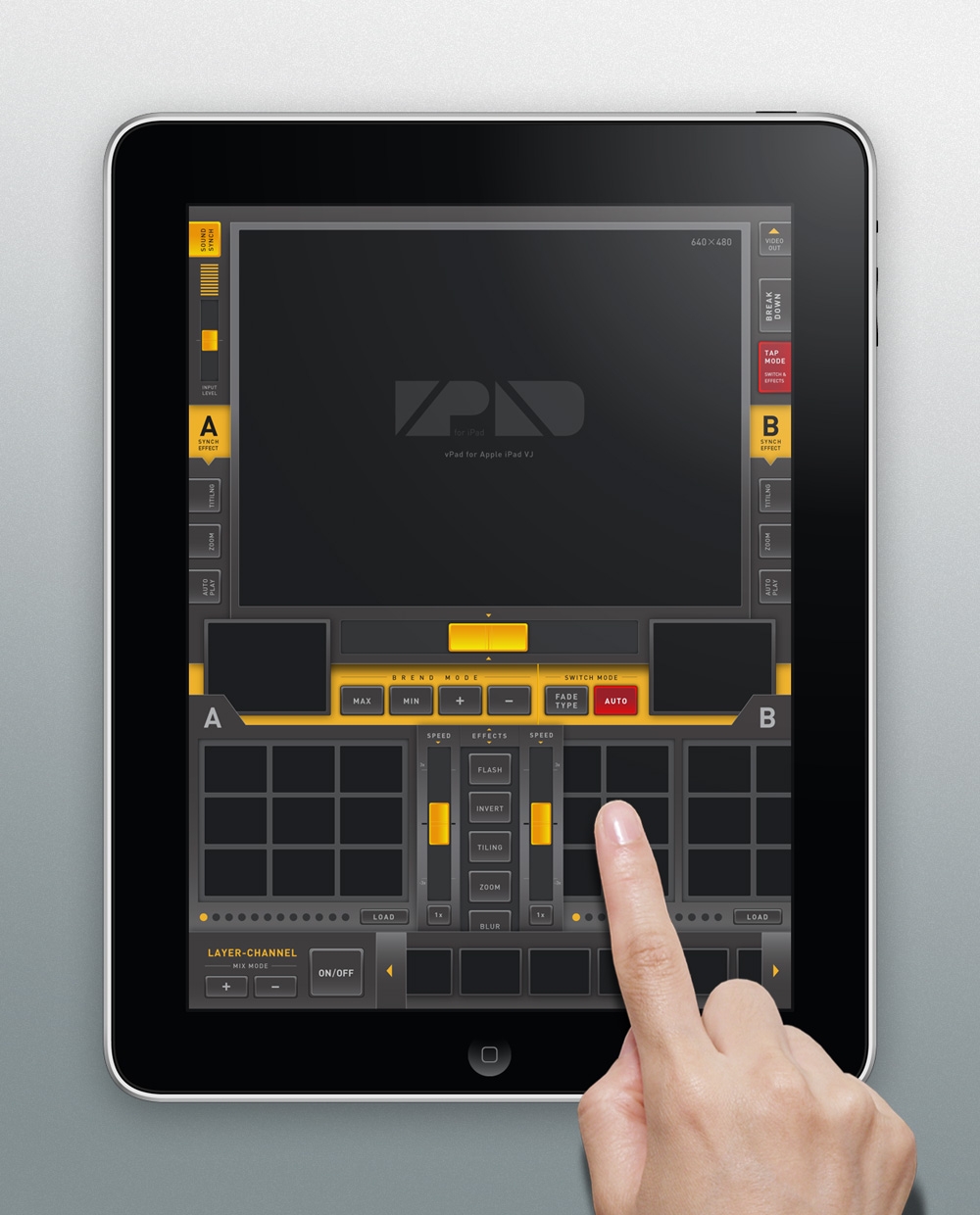
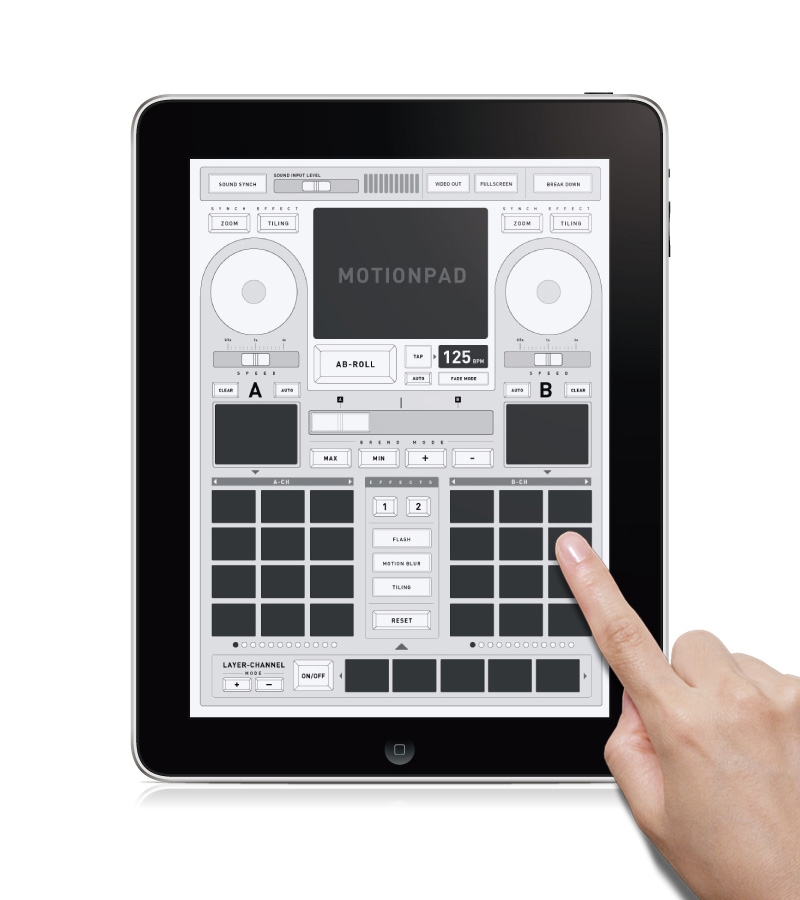
Saturday, July 23, 2011
Line 6 Intros MIDI Mobilizer II For iPhone, iPad – With CoreMIDI
MIDI Mobilizer II Specifications:
- Compatible with iPod touch (3rd and 4th generation), iPhone (iPhone 4, iPhone 3GS), iPad and iPad 2
- Compatible with all MIDI devices with standard 5-pin DIN MIDI connections
- MIDI In and Out signal-active LEDs
- Connects to the 30-pin connector on the bottom of iPod touch, iPhone or iPad
- MIDI In and Out on MIDI Mobilizer via 2.5mm TRS connections
- Includes a pair of 5-foot, 2.5mm-to-5-pin DIN Planet Waves MIDI cables
- Powered by iPod touch, iPhone or iPad — no batteries or power supply required
IPlay Yamaha Electone C-35
Ladies and Gentlemen, let me present you Yamaha C-35 Electone born in 1979.


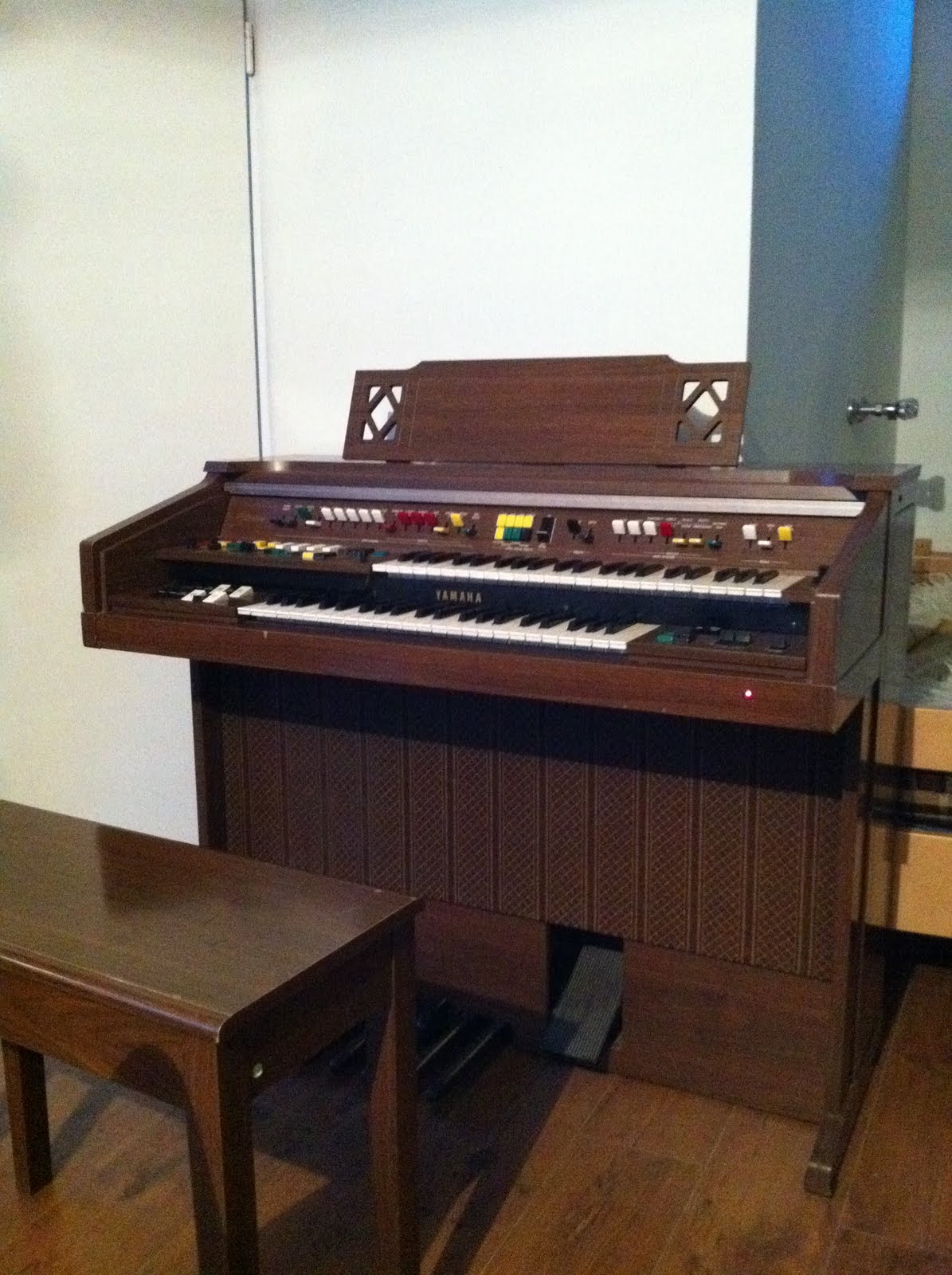

I just love it.
Wednesday, July 20, 2011
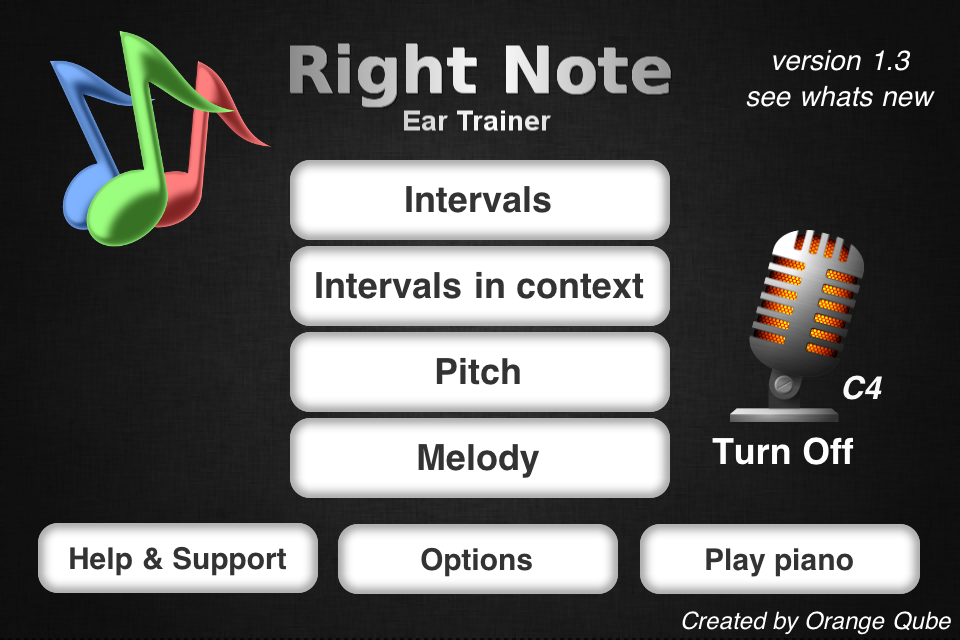
Right Note - ear training app for iPhone iPod with special features

A note from developer : "As developer that also plays the piano I wanted a good ear trainer for my iPod Touch. The problem was that none had a good melody dictation and lacked some crucial custom settings. So I made my own which after few months turned out to be good so i decided to put it on Appstore. Now it matured to version 1.2."
The main features are:
- 3 modes:
--- interval recognition (with compound ones),


--- pitch recognition,
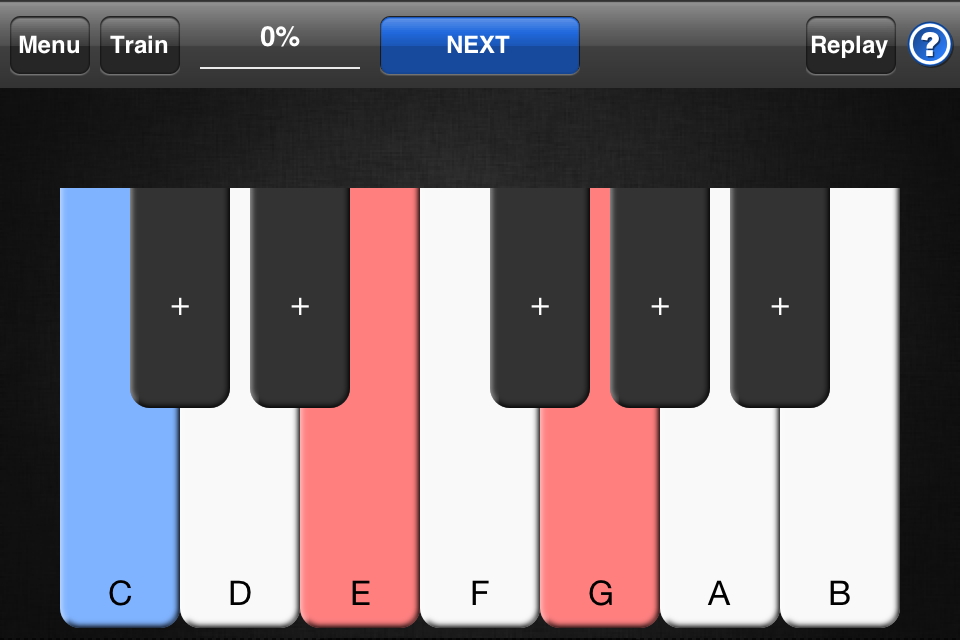
--- melody dictation
Right Note is also unique to have a well design melody dictation mode with settings like: note scale, note range, show first note, silent answering, random note length and other. It teaches the user to identify the melody he is hearing or has in his head. This is a big step to playing by ear and improvisation.
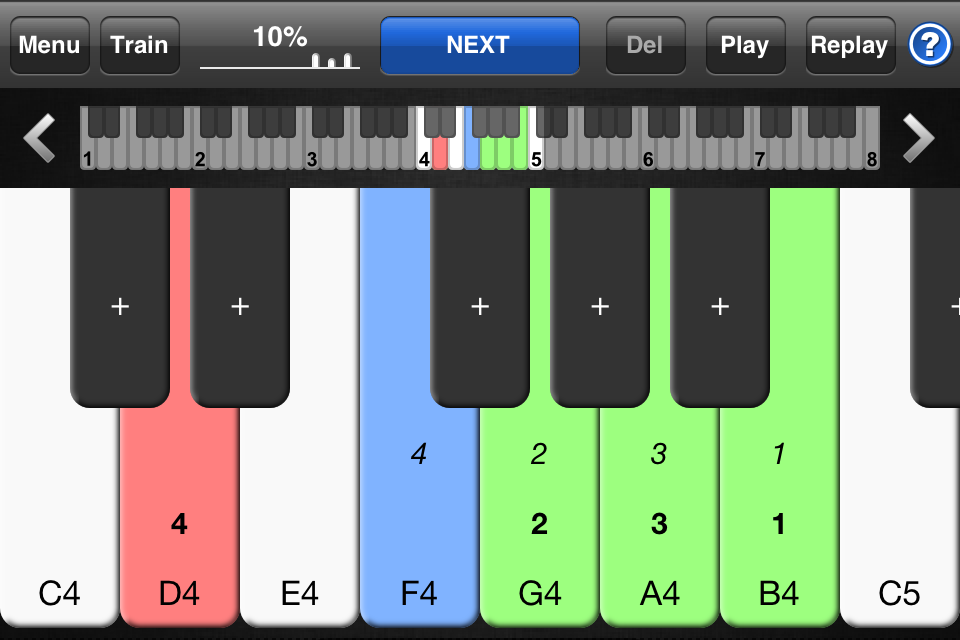
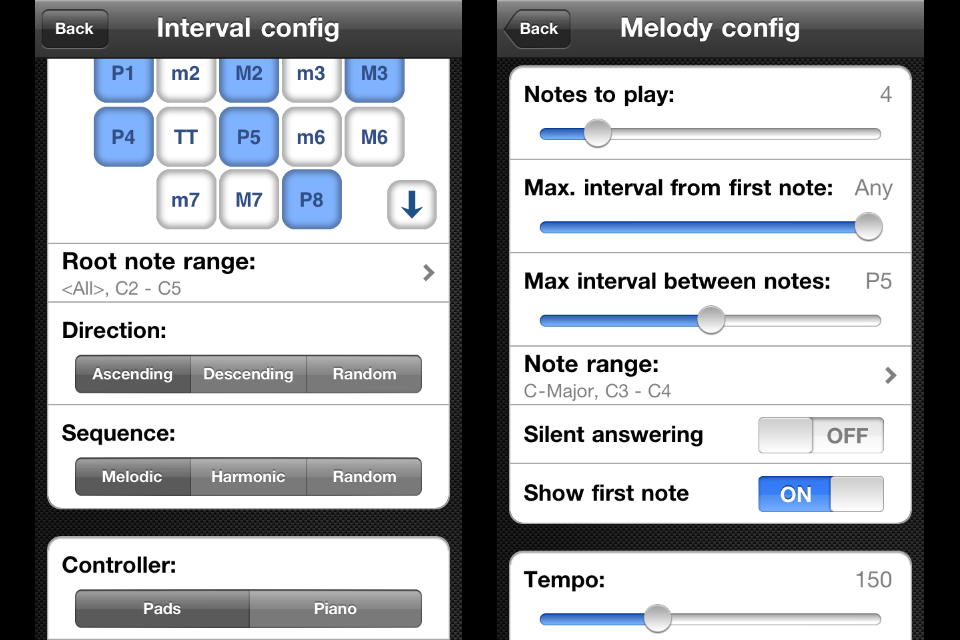
- mic recognition (new in version 1.2) so you can play using your instrument - which makes a big difference.
To complement this, Right Note introduced microphone recognition. Thanks to this the user can answer using a live instrument for all modes. This greatly enhances ear training, giving a more natural way of playing. The algorithm can recognize a wide range of notes for different instruments. Now the user can get the "feel" of an instrument and where each note is.
- train mode to get the "feeling", hearing random intervals/notes. Thanks to this you can, for example, get the hang what "flavor" a perfect fifth has or how a C sounds no matter what octave.
- learning as much as possible from your mistakes. Instead of just jumping to the next question after a wrong answer (as in most ear trainers) you can:
- retry until you get it right, with no fear of loosing points
- skip and show the answer
- easily compare the question with your answers + all other possible answers for reference
- when your ready move to the next question
Made for musicans not for fun ;)
I liked to test my skills in melody dication, and tried it with guitar and mic recognition, worked really well.
I u like these features then go for it!
check my old post on the subject, a lot has changed i guess
Sunday, July 17, 2011
Fireflies, iPhone tracker and Apple Q&A on on Location Data
You probably know by now that your iPhone collects the position data of wifi and cell networks near by. Google Android devices as well.
http://crowdflow.net/
http://petewarden.github.com/iPhoneTracker/#0
http://images.apple.com/pr/library/2011/04/27Apple-Q-A-on-Location-Data.html
Saturday, July 16, 2011
Subscribe to:
Posts (Atom)