Showing posts with label Right Note. Show all posts

Wednesday, July 20, 2011

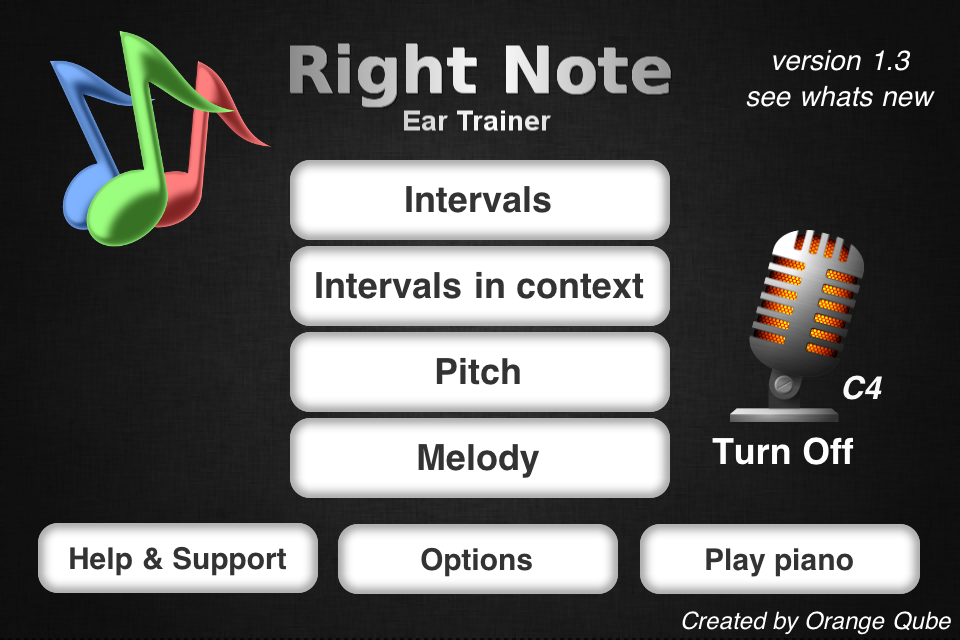
Right Note - ear training app for iPhone iPod with special features


A note from developer : "As developer that also plays the piano I wanted a good ear trainer for my iPod Touch. The problem was that none had a good melody dictation and lacked some crucial custom settings. So I made my own which after few months turned out to be good so i decided to put it on Appstore. Now it matured to version 1.2."

The main features are:
- 3 modes

--- interval recognition (with compound ones),


--- pitch recognition,
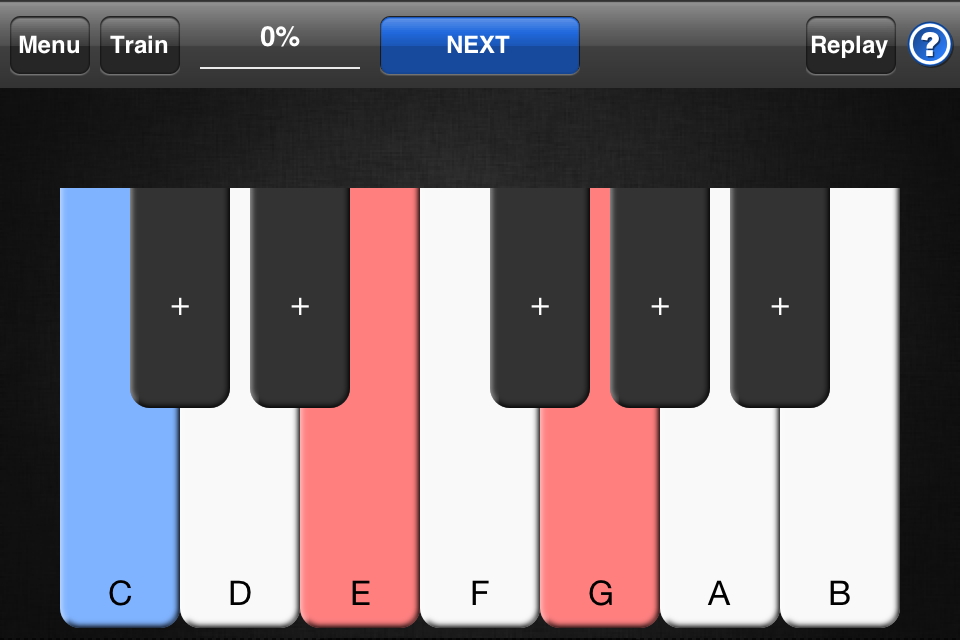

--- melody dictation
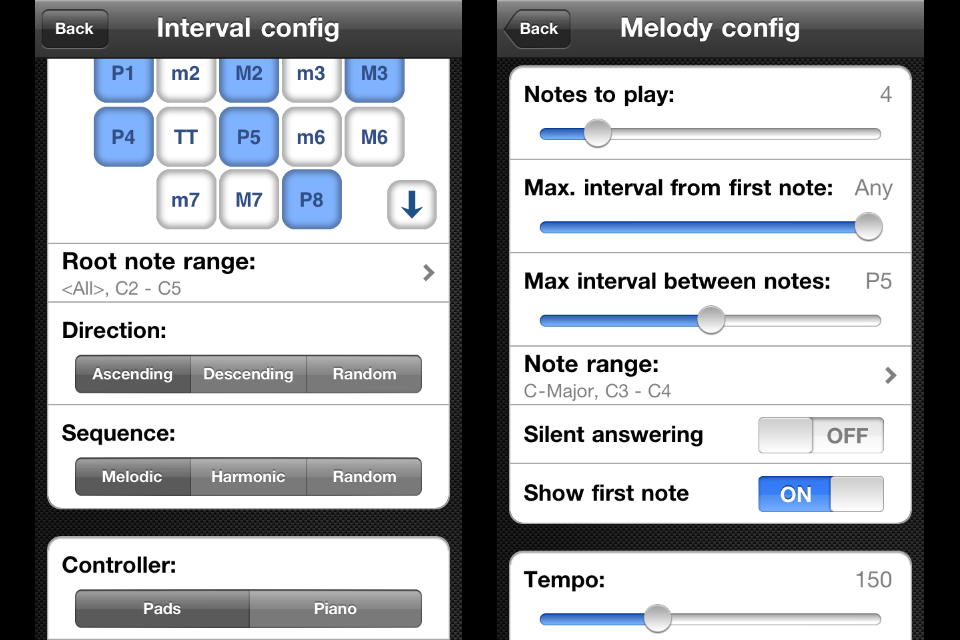
Right Note is also unique to have a well design melody dictation mode with settings like: note scale, note range, show first note, silent answering, random note length and other. It teaches the user to identify the melody he is hearing or has in his head. This is a big step to playing by ear and improvisation.
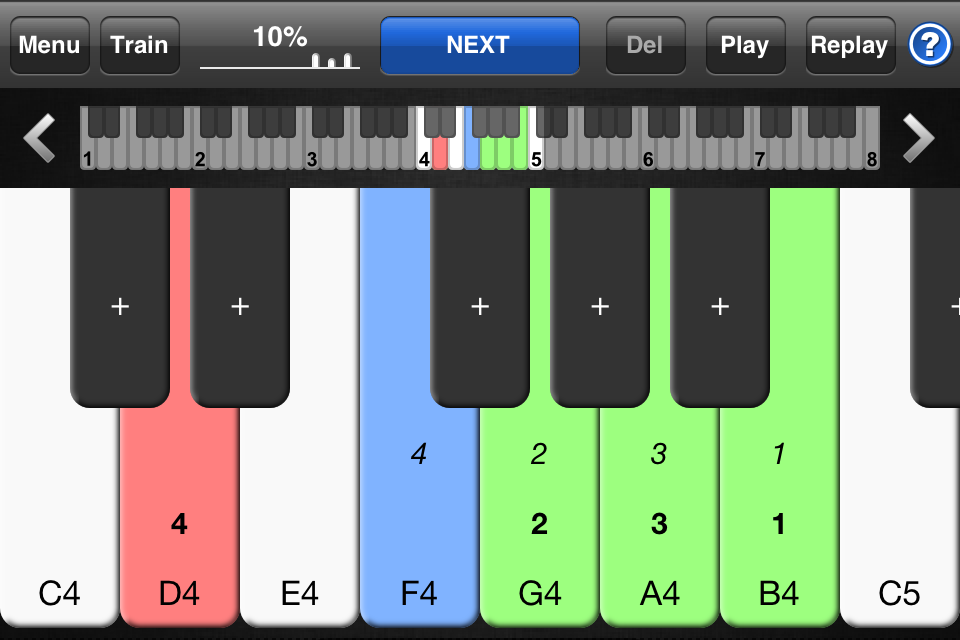
- highly customizable 


- mic recognition (new in version 1.2) so you can play using your instrument - which makes a big difference.
To complement this, Right Note introduced microphone recognition. Thanks to this the user can answer using a live instrument for all modes. This greatly enhances ear training, giving a more natural way of playing. The algorithm can recognize a wide range of notes for different instruments. Now the user can get the "feel" of an instrument and where each note is.


- train mode to get the "feeling", hearing random intervals/notes. Thanks to this you can, for example, get the hang what "flavor" a perfect fifth has or how a C sounds no matter what octave.  
- learning as much as possible from your mistakes. Instead of just jumping to the next question after a wrong answer (as in most ear trainers) you can:
- retry until you get it right, with no fear of loosing points
- skip and show the answer
- easily compare the question with your answers + all other possible answers for reference
- when your ready move to the next question


I tested this app and must say it really does the job well, user friendly and keeps u practising. 

Made for musicans not for fun ;) 
I liked to test my skills in melody dication, and tried it with guitar and mic recognition, worked really well. 
I u like these features then go for it!

check my old post on the subject, a lot has changed i guess 

Monday, March 30, 2009

Best iphone app for music training

i guess the best one is Karajan, really cool music and ear training app. You train intervals, chords, scales, pitch, tempo, and key signatures.
A must have.


update : another must have if u dont fancy Krajan and want more differnet features Right Note - Ear Trainer 1.2


for learning music notation i found Flash Notes


for Rhythm training - Rhythm


What i really miss is music notation software like Sibelius for iphone
This would be the best way to train skills in writing music in old skool way
( like Bach, Mozart, Beethoven did ;)
that would be very educational....
There is one but i havent tested it yet. Its called Music Composer
If anybody tried it, let me know.

This guy is reading my mind i guess
"Idea 2

A Music Composing Application for Iphone

Unlike my first idea, this one could easily be handled by a solo developer. However, you would still want to make it very cool. ;)

I often find myself composing music on the guitar, piano, trumpet etc., but I always end up not bothering to write it down (WAY too much effort - drawing out a musical staff and writing in the notes etc.). So I thought "Hey - an appstore app with a musical staff where you could just touch each spot on the staff to create a note would make composing so easy!", and went over to the appstore to see if such an app existed. Not the case. Someone should take advantage of this.

In the main editing mode, you would want to have a toolbar on the left hand side of the screen that would allow you to select what type of note or rest (or other sign) you're creating, and edit preferences like key signature, time signature, page #s, title and author, instrument etc. You would tap on the staff where you want to place a note (or rest etc.) to create one, and you could zoom in and out by pinching. You would also be able to select # of consecutive lines (to allow for composing for anything from trumpet to organ). Once you were done creating your piece, you could save it. There would be a category in the main menu that would allow you to browse saved pieces, and you would be able to select previously done pieces and either email them to your email address in full-on music sheet format (for printing and playing etc), or you could preview the piece by pressing a play button that would play your piece through the headphones for you using pre-determined instrument noises. I cannot emphasize how useful this app would be."


from http://randomtechadvice.blogspot.com/

plus of course ability to hear your composition in iphone with some basic instruments